
Plan your scheme, place your lights, and match every colour to the paints you already own — all before your brush ever touches the model.
No sign-up, no download, no upload. They run entirely on your machine — your models are yours.
Drop your STL in and light it like a photographer. Preview NMM (non-metallic metal) and OSL (object-source lighting) with real cast shadows — see exactly where every highlight and shadow will fall before you commit paint.
Model shown: The Price of Magic — sculpt by Nerikson
Printed a multi-part kit? Drag the parts in, nudge each roughly into place, and Chromatory snaps the mating surfaces together precisely. Export the whole thing as one merged STL, ready for the slicer.
Model shown: Krymathor — sculpt by Flesh of Gods
Chromatory knows the paints you actually own — so every match, mix and scheme it suggests is something you can paint tonight.
Place lights, preview NMM & OSL with true cast shadows, and paint per-region materials from matte to chrome.
Free in browserSnap multi-part STL kits together and export one printable model — nothing ever uploaded.
Free in browserPoint at a painted miniature you love. Chromatory reads each area and builds a step-by-step scheme from the paints you own.
Feed it a scheme photo plus a lighting render and get, per element, the shadow / midtone / highlight paints — and where each falls.
Perceptual colour science (CIEDE2000 + Kubelka–Munk) finds the closest paint you own — or the mix that gets you there.
Catalogue your collection with swatch photos, and identify a paint straight from a snap of the bottle.
Advice, a painting log and scheme mockups — grounded in your real paints. Runs local or cloud, and switches off entirely if you prefer.
Everything runs on your own PC. Your data, photos and models stay yours — pair your phone or browser to it when you want.
Real prints under Chromatory's Light Studio — the same interactive view you get on your own models.
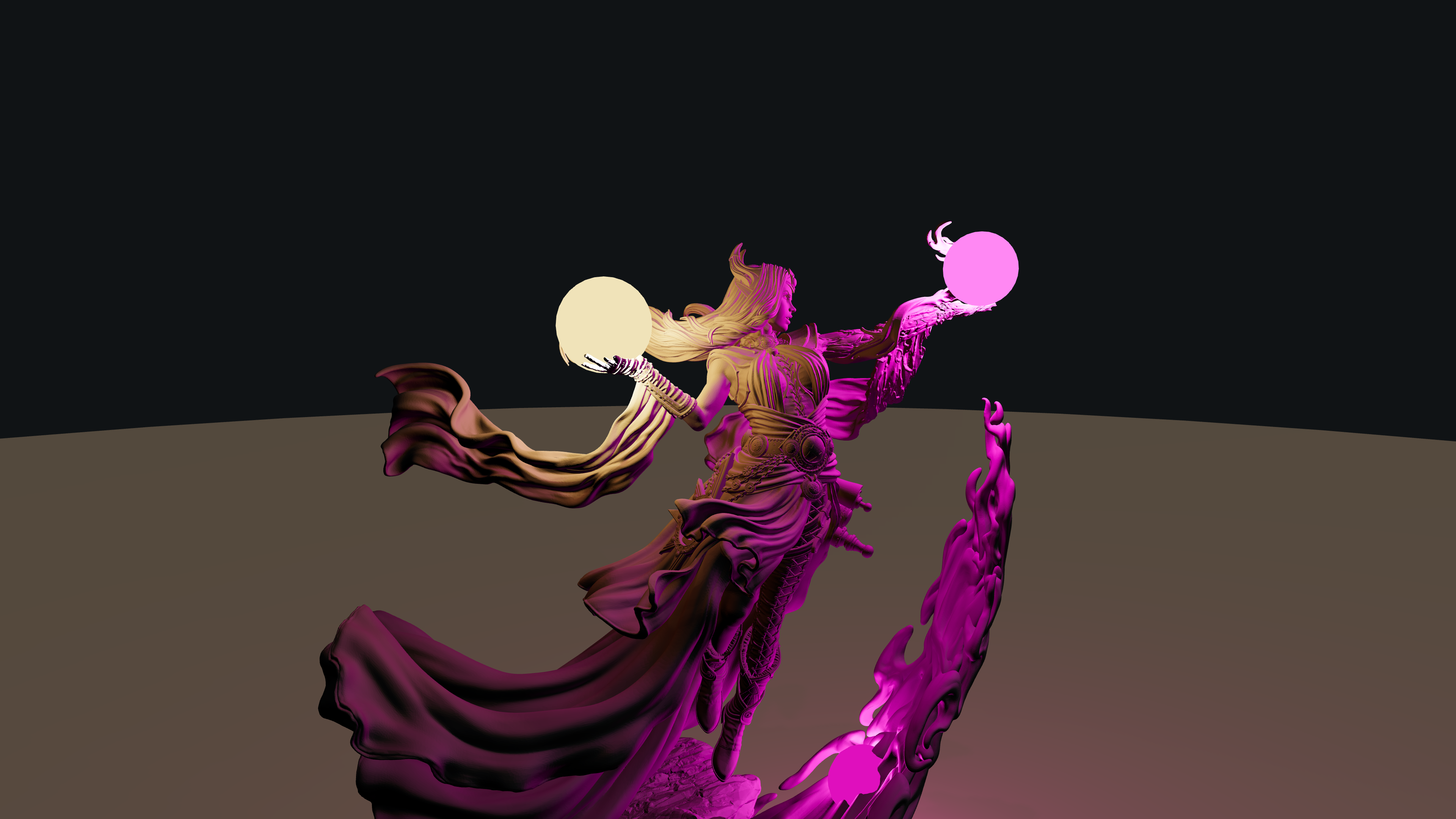


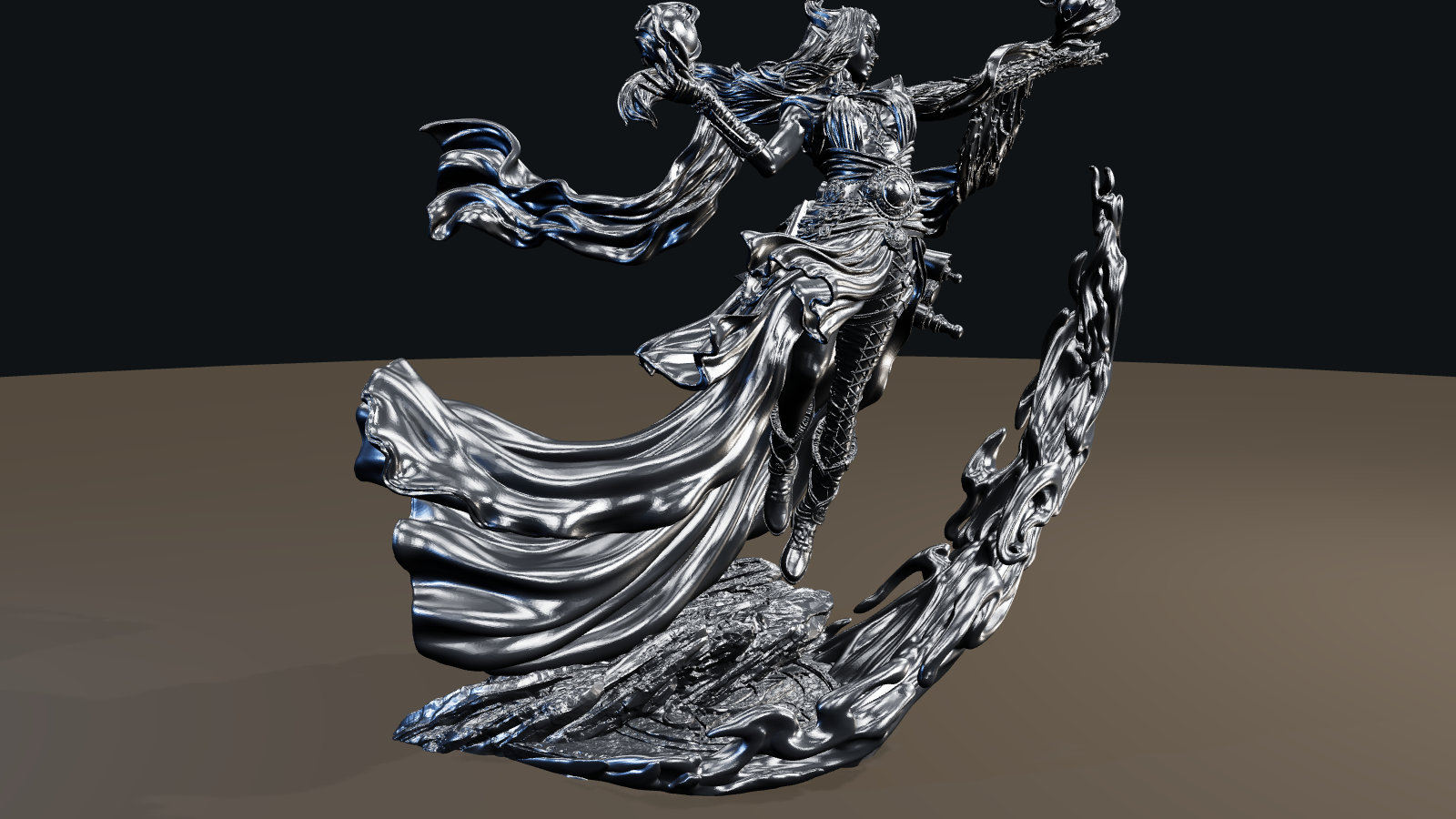

Miniatures shown are the work of their sculptors — The Price of Magic & A Moment of Rest by Nerikson, Krymathor by Flesh of Gods — used here to demonstrate Chromatory.
The browser tools run 100% on your device — models are never uploaded. The full app is local-first: it lives on your PC, keeps your library in your hands, and only talks to the cloud when you ask it to.
Jump into the browser tools right now — or run the full local-first studio on your PC and pair your phone at the bench.
 CHROMATORY